

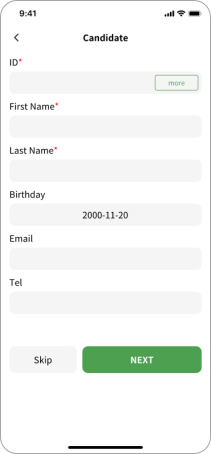
Candidate Info
Enter or select a saved candidate to auto-fill details
From subject intake to report delivery — D-ScreenMate guides you through every step, ensuring nothing is missed.
Enter or select a saved candidate to auto-fill details
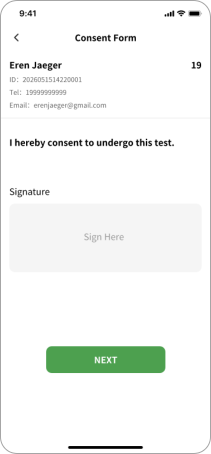
Candidate reviews and signs the informed consent form
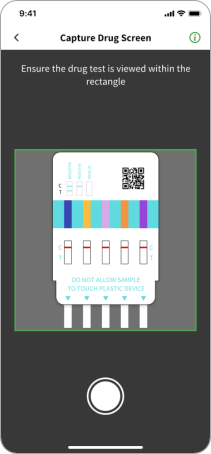
Capture the test; AI interprets each panel instantly
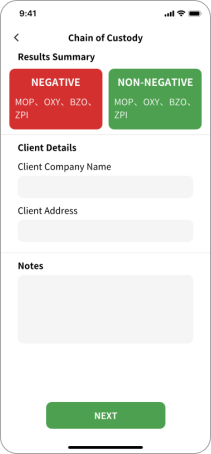
Edit results if needed, fill client details and notes
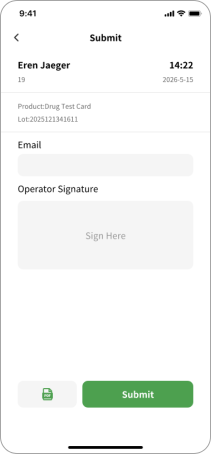
Generate the report and email it to any recipient
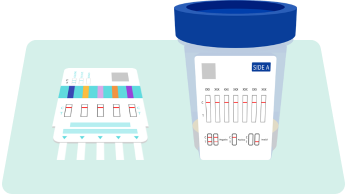
Wait until the test product reaches the reaction time specified in the instructions, then place it flat on a stable, clean surface. Operate in bright, even ambient light — avoid direct strong light or shadows covering the test area.
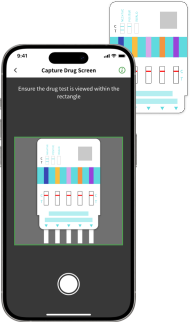
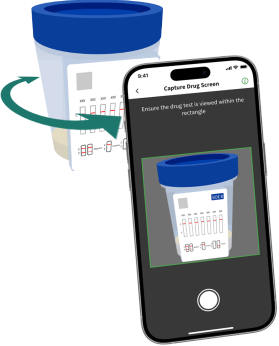
On the scanning screen, point the camera at the product's test result window, ensuring the test results are within the viewfinder frame.
If the test product has multiple sides to scan, the system automatically tracks the scanning progress. Follow the on-screen prompts to scan each unscanned side one by one until all are complete.